











Yealink MP45 – Teams Edition
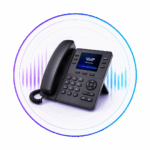
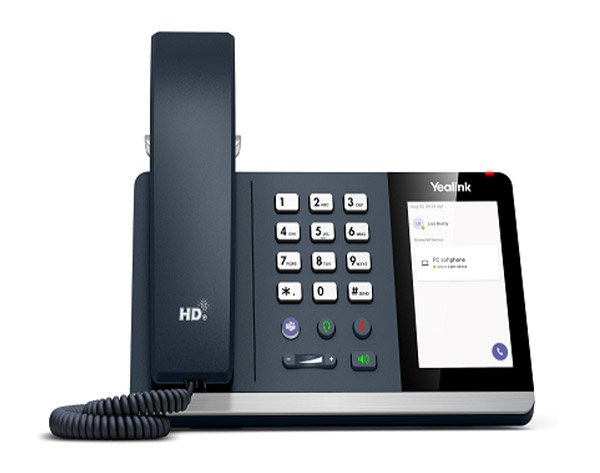
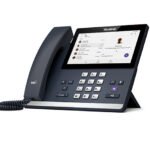
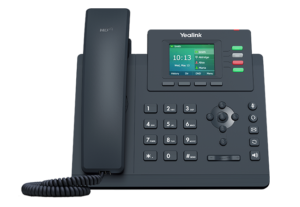
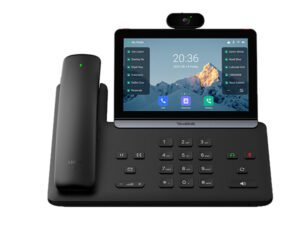
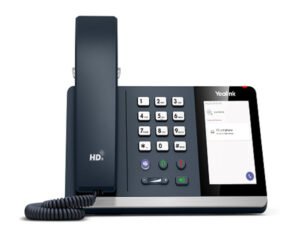
A plug-and-play USB desktop phone compatible with Microsoft Teams, featuring a 4.0-inch capacitive touch screen (480 x 800), full physical dial pad, dedicated Teams call controls, and HD audio with Yealink Noise Proof Technology.

The Yealink MP45 Teams Edition It serves as a specialized PC peripheral designed to deliver a tactile desk phone experience for softphone users. It is an ideal fit for hot-desking, classrooms, and everyday office environments where quick deployment and ease of use are required without complex network provisioning.
-
Plug-and-Play Connectivity: Connects directly to any PC running Microsoft Teams via an integrated USB cable equipped with a USB-A/C adapter. It runs on Linux OS (64MB Memory / 128MB Storage) and requires no drivers or external network setup, reducing maintenance overhead for IT administrators.
-
Display & Interface: Features a 4.0-inch capacitive backlight touch screen (480 x 800 resolution) with a Microsoft Teams-tailored user interface.
-
Tactile Call Control: Combines touchscreen navigation with a physical telephone keypad and dedicated feature keys, including a dedicated Microsoft Teams button (to bring Teams to the foreground instantly), headset mode, mute, speakerphone, hold, redial, and volume controls.
-
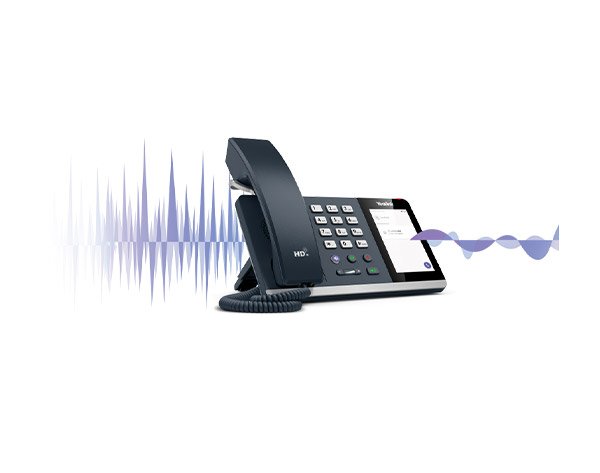
HD Audio Quality: Delivers Optima HD voice via an ergonomic Hearing Aid Compatible (HAC) handset and a full-duplex speakerphone with Acoustic Echo Canceling (AEC), Noise Suppression (NS), Automatic Gain Control (AGC), and Yealink Noise Proof Technology.
-
Expandability & Interfaces: Includes RJ9 ports for handset and headset connection, a Message Waiting Indicator (MWI), and a 2.5 mm jack port to support an optional external Busylight indicator.


Reviews
There are no reviews yet.